
The Digital Torrent: Navigating the World of smartphone Downloads
The smartphone, a ubiquitous tool in modern life, is more than just a communication device. It’s a portal to a vast digital ecosystem, a universe of applications, media, and data, all accessible through the simple act of downloading. This seemingly effortless process, however, is a complex interplay of hardware, software, and network infrastructure. Understanding the nuances of smartphone downloads is crucial for maximizing device functionality, ensuring security, and optimizing the user experience.
The foundation of any smartphone download experience lies in the device’s hardware. The processor, memory (RAM), and storage capacity all play critical roles. A powerful processor ensures swift data processing, while ample RAM allows for smooth multitasking during downloads. Sufficient storage space is, of course, essential for housing the downloaded files.
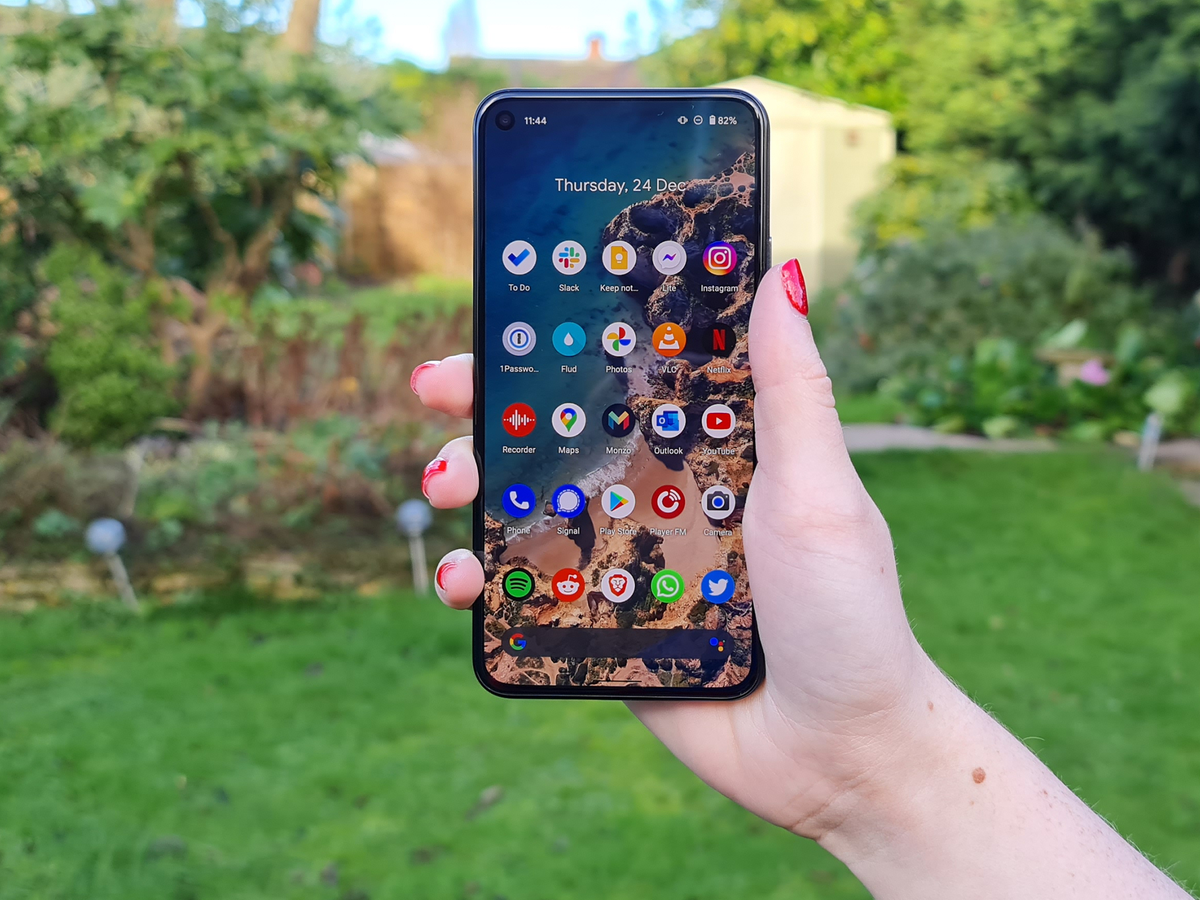
The operating system (OS), whether Android or iOS, acts as the conductor of this hardware orchestra. It manages the flow of data, facilitates communication between the device and the network, and provides the user interface for initiating and monitoring downloads. Each OS has its own download management system, security protocols, and app store, influencing the download process significantly.
Smartphones connect to the internet through various networks, primarily cellular data (3G, 4G, 5G) and Wi-Fi. The speed and stability of these networks directly impact download speeds. 5G, with its higher bandwidth and lower latency, enables significantly faster downloads compared to older cellular technologies. Wi-Fi, often offering higher speeds and lower costs, remains a popular choice for downloading large files.
Network congestion, signal strength, and distance from the network tower or Wi-Fi router can all affect download speeds. Users can optimize their download experience by connecting to a stable and fast network, minimizing background data usage, and positioning themselves closer to the network source.

The download process, while seemingly simple, involves several intricate steps:
Initiating the Download
This typically involves tapping a download button or link within an app store, web browser, or other application. The device then sends a request to the server hosting the file.
Server Response and Data Transfer
The server responds by sending the file data in packets. These packets are transmitted over the network and received by the smartphone. The speed of data transfer depends on the network bandwidth and server capacity.
Data Assembly and Verification

The smartphone assembles the received data packets into a complete file. It then performs a checksum or other verification process to ensure the file’s integrity and detect any errors or corruption during transmission.
Installation or Storage
For apps, the device initiates the installation process, extracting the necessary files and configuring the application. For other files, such as documents, images, or videos, the device stores them in the designated location.
Smartphone downloads encompass a wide range of file types, each with its own characteristics and download requirements:
App Downloads
Apps are software applications designed for specific tasks. They are typically downloaded from app stores like Google Play Store or Apple App Store. App downloads involve installing executable files and associated data, requiring sufficient storage space and permissions.
Media Downloads
Media downloads include music, videos, and podcasts. These files can be large, especially high-resolution videos, and require significant bandwidth and storage. Streaming services often offer download options for offline playback.
Document Downloads
Documents, such as PDFs, Word files, and spreadsheets, are typically smaller than media files. They are commonly downloaded from email attachments, cloud storage services, or websites.
Software Updates
Software updates are essential for maintaining device security and functionality. They can be large downloads, especially major OS updates, and require a stable network connection and sufficient battery life.
Smartphone downloads can pose security risks if not handled carefully. Malicious apps or infected files can compromise device security and steal personal data.
App Store Security
App stores employ security measures to scan and verify apps before making them available for download. However, malicious apps can sometimes bypass these checks.
Website Security
Downloading files from untrusted websites can expose the device to malware and viruses. It is crucial to download files only from reputable sources.
Permissions and Privacy
Apps often request permissions to access device features and data. It is essential to review these permissions carefully and grant only necessary access.
Antivirus and Security Software
Installing antivirus and security software can help protect the device from malware and other threats.
Users can optimize their smartphone download experience by following these tips:
Connect to a Fast and Stable Network
Use Wi-Fi whenever possible, especially for large downloads. If using cellular data, ensure a strong signal and consider upgrading to a faster data plan.
Minimize Background Data Usage
Close unnecessary apps and disable background data usage for apps that are not actively in use.
Clear Cache and Temporary Files
Clearing the device’s cache and temporary files can free up storage space and improve download speeds.
Use a Download Manager
Download managers can help organize and prioritize downloads, pause and resume downloads, and improve download speeds.
Update Software Regularly
Software updates often include performance improvements and bug fixes that can enhance download speeds.
Consider Network Conditions
Avoid downloading large files during peak network usage times, such as evenings or weekends, when network congestion is high.
The advent of 5G technology has revolutionized smartphone downloads, enabling significantly faster speeds and lower latency. As 5G networks become more widespread, download speeds will continue to improve, enabling seamless streaming and downloading of high-resolution media and large files.
The future of smartphone downloads may also involve the integration of artificial intelligence (AI) and machine learning (ML) to optimize download speeds, prioritize downloads based on user preferences, and enhance security. Cloud gaming and augmented reality (AR) applications will further drive the demand for faster and more efficient downloads.
Smartphone downloads are an integral part of the modern digital experience, enabling access to a vast array of applications, media, and data. Understanding the underlying processes, security considerations, and optimization techniques is crucial for maximizing the benefits of this technology. By staying informed and adopting best practices, users can ensure a safe, efficient, and enjoyable download experience on their smartphones.


